
Backup & Data Protection
Protection built around recovery.
Almoosa Security Systems implements and supports backup, recovery and data-protection solutions for businesses across Dubai and the UAE, covering supported servers, virtual machines, Microsoft 365 and critical business data.
Backup locations, retention, monitoring and recovery testing are planned around the organisation's recovery requirements.

- Recovery-led design
- On-site & off-site backup
- Microsoft 365 protection
- Restore testing & monitoring
Backup & Recovery Planning Starts with RPO, RTO & Retention
Before backup technology is selected, we establish which systems and data matter most, how much recent work can be lost, how quickly operations need to resume and how long recovery points must be retained. RPO and RTO describe recovery objectives that shape the solution, not automatic guarantees, and are agreed for each project.
- 01
How Much Data Can Be Lost
The Recovery Point Objective (RPO) defines how much recent data loss the business can tolerate. It helps determine backup frequency, replication requirements and which workloads need more frequent protection.
- 02
How Quickly Systems Need to Return
The Recovery Time Objective (RTO) defines how quickly a workload needs to be available again after an incident. Recovery time influences backup location, recovery method and the infrastructure required to restore the service.
- 03
How Far Back Recovery Must Go
Retention determines how long daily, weekly, monthly or other recovery points should remain available. The right policy depends on business requirements, data change and the scenarios the organisation needs to recover from.
- 04
How Recovery Is Verified
Successful backup jobs are only part of the picture. Monitoring, documented recovery procedures and agreed restore testing help confirm that protected data can actually be recovered when required.
Business Backup, Recovery & Data Protection Services
Backup and data-protection solutions are planned according to the systems being protected, the required recovery objectives and the operational impact of data loss or downtime.
- 01
Backup Assessment & Design
Review of business-critical systems, protected data, existing backup arrangements, data volumes, recovery priorities, retention requirements and dependencies before the protection architecture is defined.
- 02
Server, Virtual Machine & File Backup
Backup protection for supported physical servers and storage, virtualised workloads, shared files and business data, with schedules and retention based on the importance and rate of change of each workload.
- 03
On-Site, Off-Site & Cloud Backup
Backup copies can be placed across appropriate local, off-site or supported cloud locations so recovery is not dependent on the same infrastructure or location as the primary data.
- 04
Backup & Replication
Where recovery requirements justify it, replication can complement scheduled backup by maintaining additional copies of selected systems or data for faster recovery scenarios.
- 05
Microsoft 365 Data Protection
Backup protection for supported Microsoft 365 workloads, including appropriate Exchange Online, SharePoint and OneDrive data, with recovery requirements defined according to the organisation's data and retention needs.
- 06
Backup as a Service (BaaS)
Ongoing backup management can be structured as a Backup as a Service arrangement, covering agreed backup jobs, monitoring, retention management, issue follow-up and recovery readiness according to the defined service scope.
- 07
Restore Testing & Recovery Validation
Planned restore testing helps verify that protected data is usable and that recovery procedures remain aligned with the systems, applications and recovery priorities they are intended to support.
- 08
Disaster Recovery & Business Continuity Planning
Recovery planning extends beyond creating backup copies. AMSS can help define recovery priorities, dependencies, responsibilities and practical recovery procedures so critical systems have a clearer route back into operation after a major incident.
- 09
Endpoint Data Protection & DLP
Endpoint data-protection and Data Loss Prevention controls can help reduce the risk of sensitive information being copied, transferred or removed through supported user devices and storage channels.
Backup, Disaster Recovery & DLP Address Different Risks
Backup creates recoverable copies of data. Disaster recovery defines how critical systems and services are brought back into operation. Data Loss Prevention focuses on reducing the risk of sensitive information leaving through unauthorised channels.
A complete data-protection strategy may need one, two or all three depending on the organisation's risks, systems and operating requirements.
AMSS scopes these controls around the environment rather than treating every data-protection requirement as the same technical problem.
How Backup & Recovery Implementation Starts
Each stage is agreed before the next one begins, so the protection design has measurable objectives rather than a schedule alone.
- 01Assess
Review the systems, data, existing backups, storage locations, known risks and business-critical workloads that need protection.
- 02Define
Agree recovery priorities, RPO, RTO and retention requirements so the protection strategy has measurable objectives.
- 03Protect
Configure the agreed backup, replication and data-protection controls across the supported workloads and backup locations.
- 04Test & Review
Validate agreed recovery scenarios, monitor backup health and review the protection design as systems, data volumes and business requirements change.
Recovery Planning for Different Failure Scenarios
Protection is planned according to the events the organisation needs to recover from, not simply around where data is stored today.
- 01
Accidental Deletion
Files, messages and other business data may need to be recovered from an earlier point after accidental deletion or unwanted changes.
- 02
Hardware or Storage Failure
A server, storage platform or device failure should not leave the only usable copy of critical data on the failed infrastructure.
- 03
Site-Level Disruption
Off-site or cloud-based copies can support recovery when the primary office, server room or local storage is unavailable.
- 04
Cyber Incident
Recovery planning should consider scenarios where production data or connected systems are encrypted, damaged or deliberately altered. Recovery depends on the integrity and availability of protected copies and the agreed recovery process.
Data protection for business-critical information.
The technology varies by environment, but the objective is consistent: maintain recoverable copies of the information and systems the organisation depends on.
- 01Finance & Business Records
- 02Professional Services
- 03Clinics & Healthcare Offices
- 04Design & Engineering Teams
- 05Multi-Site Businesses
- 06Microsoft 365 Environments
Backup & Data Protection FAQs
The questions that come up most often when an organisation reviews how its data is protected and how it would recover.
01Is a cloud sync folder the same as a backup?
No. File synchronisation is designed primarily to keep working copies consistent across users and devices. A backup service is based on separate recovery points, retention and restoration. Sync and version-history features can be useful, but they should not automatically be treated as a complete backup strategy.
02What are RPO and RTO?
RPO, or Recovery Point Objective, defines how much recent data loss the business can tolerate. RTO, or Recovery Time Objective, defines how quickly a system or workload needs to be restored. Together they help determine backup frequency, backup location and the appropriate recovery design.
03How often should backup restores be tested?
There is no single testing frequency that suits every system. Restore testing should be agreed according to workload criticality, the rate of change, the recovery design and the organisation's risk requirements. Important changes to the backup environment may also justify additional testing.
04Do you protect Microsoft 365 data?
Yes. Supported Microsoft 365 workloads can be included in the backup and data-protection scope, including appropriate Exchange Online, SharePoint and OneDrive data. The protection design depends on the required recovery window, retention and restore requirements.
05Why keep an off-site backup copy?
A separate off-site or cloud copy can provide another recovery path when local servers, storage or the primary site are unavailable. The appropriate location and retention depend on the systems being protected and the required recovery objectives.
06What is the difference between backup and disaster recovery?
Backup focuses on creating recoverable copies of data and systems. Disaster recovery covers the wider process of restoring critical technology and services after a major disruption, including recovery priorities, dependencies and procedures. Backup is usually one part of a disaster-recovery strategy.
07Can AMSS review an existing backup system?
Yes. An assessment can review what is currently protected, backup-job status, storage locations, retention, known recovery issues and the organisation's recovery priorities before recommending changes.
08Is Data Loss Prevention the same as backup?
No. Backup is primarily concerned with recovery after data is lost, corrupted or unavailable. Data Loss Prevention focuses on controlling how sensitive information can be copied, transferred or removed. The two controls address different risks and may be used together.
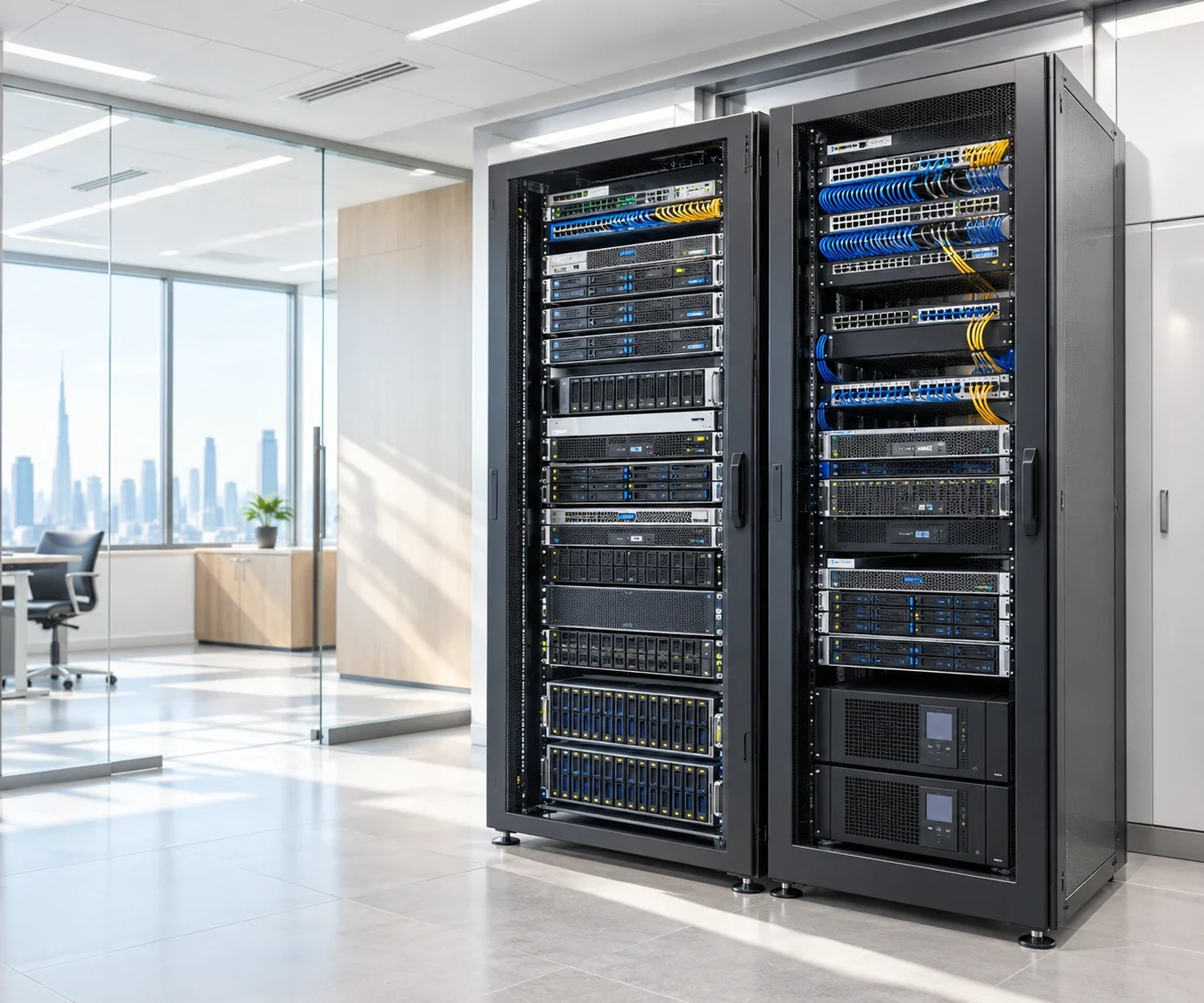


Would your critical data be recoverable when you need it?
Tell us what systems and data you rely on, how they are protected today and what recovery concerns you have. AMSS can review the existing arrangement and recommend a practical backup and recovery approach for your environment.