
CCTV & Video Surveillance
Planned, installed and maintained around your site.
CCTV installation in Dubai for businesses and properties, from IP cameras and cabling to NVR/VMS recording and remote viewing, with maintenance and upgrades after handover.

CCTV systems planned around your premises
The right system depends on what each camera must show, the conditions on site and how much the system needs to record and grow.
- 01
Coverage & Camera Purpose
Some cameras give an overview of an area; others watch entrances and exits or show closer detail at a counter, gate or doorway, so key routes are not missed.
- 02
Camera Selection & Positioning
Dome, bullet, fixed and PTZ cameras suit different jobs, chosen by field of view, mounting height, distance to the subject and indoor or outdoor use.
- 03
Lighting & Site Conditions
Glare, shadows, low light at night and outdoor exposure all affect the picture, so each position is judged in the conditions it will face.
- 04
Recording, Network & Expansion
Recording capacity and the network behind the cameras are sized together, leaving room for more cameras where the site is likely to grow.
CCTV installation services in Dubai
One team installs the complete system, from cameras and cabling to recording and user access.
- 01
Site Survey & Coverage Planning
A site visit confirms the areas to cover and checks existing cabling, power and equipment, so camera positions and the equipment list are agreed before work starts.
- 02
IP Cameras & PoE Infrastructure
IP cameras are connected and powered through Power over Ethernet (PoE) switches, using structured cabling for IP cameras sized to the camera count, cable distances and network layout.
- 03
Camera, Cabling & Equipment Installation
Cabling is run and labelled, and cameras, brackets, switches and recorders are fitted, with the work coordinated around site access and working hours.
- 04
NVR/VMS Recording & Storage
Cameras record to a network video recorder (NVR) or video management software (VMS), with video storage and playback tools chosen for the size of the system.
- 05
Configuration, Testing & Commissioning
Recording schedules, network settings and user accounts are set up, and each camera is checked for view, focus, recording and playback before the system is commissioned. At handover, your team is shown how to view, search and export footage.
- 06
Remote Viewing & User Access
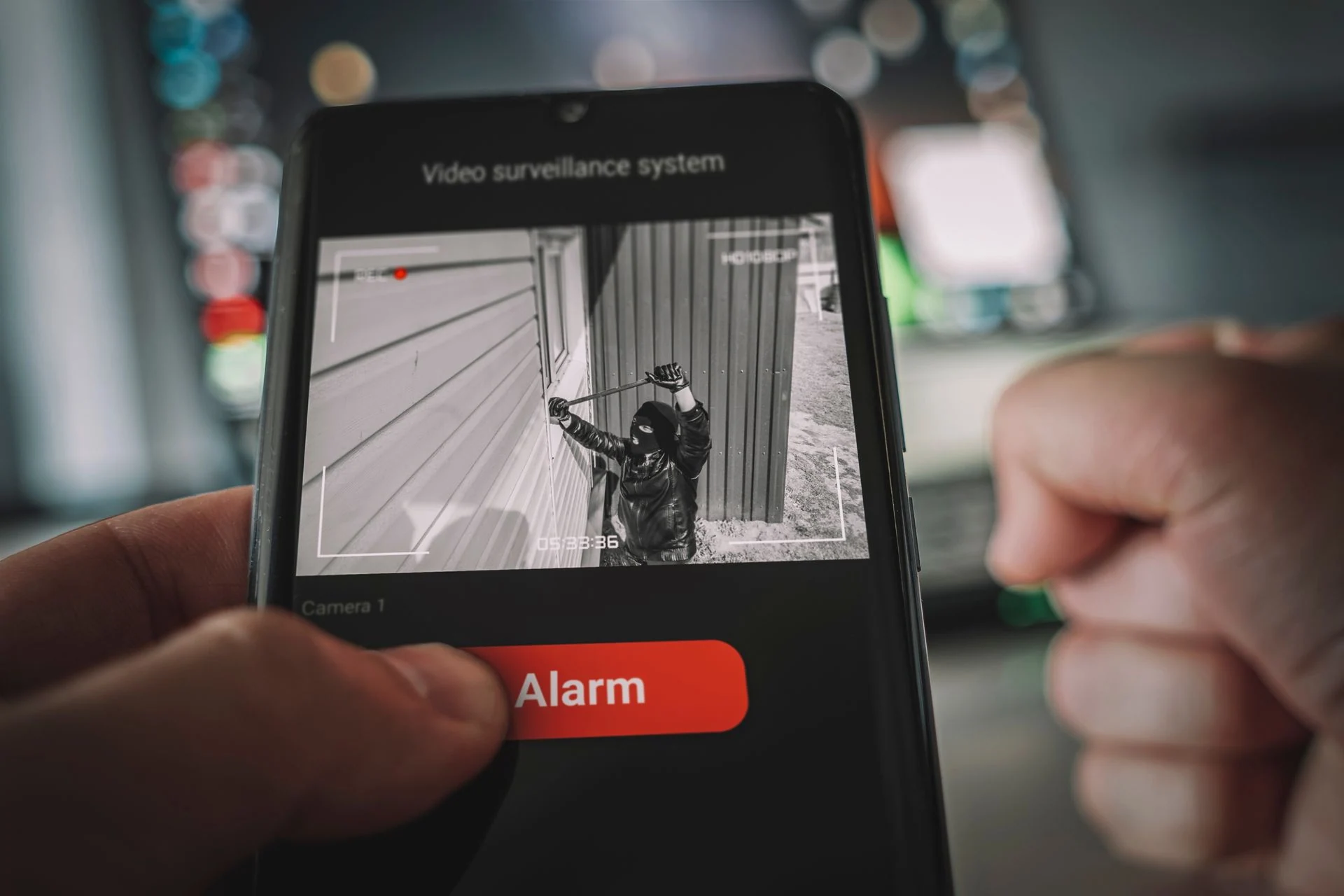
Authorised users can watch live cameras and play back recordings on a computer or mobile device, with each account limited to the cameras and functions that person needs.
CCTV maintenance, upgrades & support
Health checks catch problems such as a failed camera, a full disk or a gap in recording early. When a fault appears, it is traced through the camera, cabling, network and recorder and put right.
As the site changes, cameras, recorders and storage can be replaced or upgraded, and older analogue systems can be migrated to IP.
CCTV systems for different property types
Each property type puts its cameras to work on different priorities.
- 01
Offices
Entrances, reception, lift lobbies and server or records rooms, covering who comes and goes during and after working hours.
- 02
Retail
Entrances, tills, stockrooms and high-value displays, where clear detail at the counter matters most.
- 03
Warehouses
Loading bays, yards, perimeters and racking aisles, where cameras must handle wide areas, vehicles and low light.
- 04
Residential Buildings
Entrances, lobbies, lifts and car parks, with cameras covering shared areas rather than private spaces.
- 05
Hotels
Entrances, lobbies, corridors, car parks and back-of-house areas, kept discreet in guest-facing spaces.
- 06
Clinics & Healthcare
Reception, entrances, corridors and medicine or records storage, with camera positions agreed around patient areas.
CCTV installation FAQs
01How do you work out how many cameras are needed?
From the site survey rather than floor area: entrances, circulation routes, blind spots and viewing distances decide how many cameras a site needs.
02How is recording and storage capacity planned?
Storage is calculated from the number of cameras, resolution, frame rate, compression, recording mode and how long footage needs to be kept.
03Can an existing analogue CCTV system be upgraded to IP?
Often, yes. After the existing cameras, cabling, power and recorder are assessed, some infrastructure may be reused while cameras and recording move to IP.
04How long does CCTV installation take?
It depends on the size of the site, the scope of work and the existing cabling and infrastructure. A programme is agreed after the site survey.
05Do you maintain and upgrade existing CCTV systems?
Existing systems can be assessed for repair, expansion or upgrade. Where ongoing maintenance is agreed, it can be arranged under an AMC once the equipment has been reviewed.
Planning a new CCTV system or upgrading an existing one?
Tell us the property type, the areas you need covered and any existing CCTV equipment. AMSS can review the site and recommend a practical CCTV system. You can also browse our CCTV projects in Dubai.